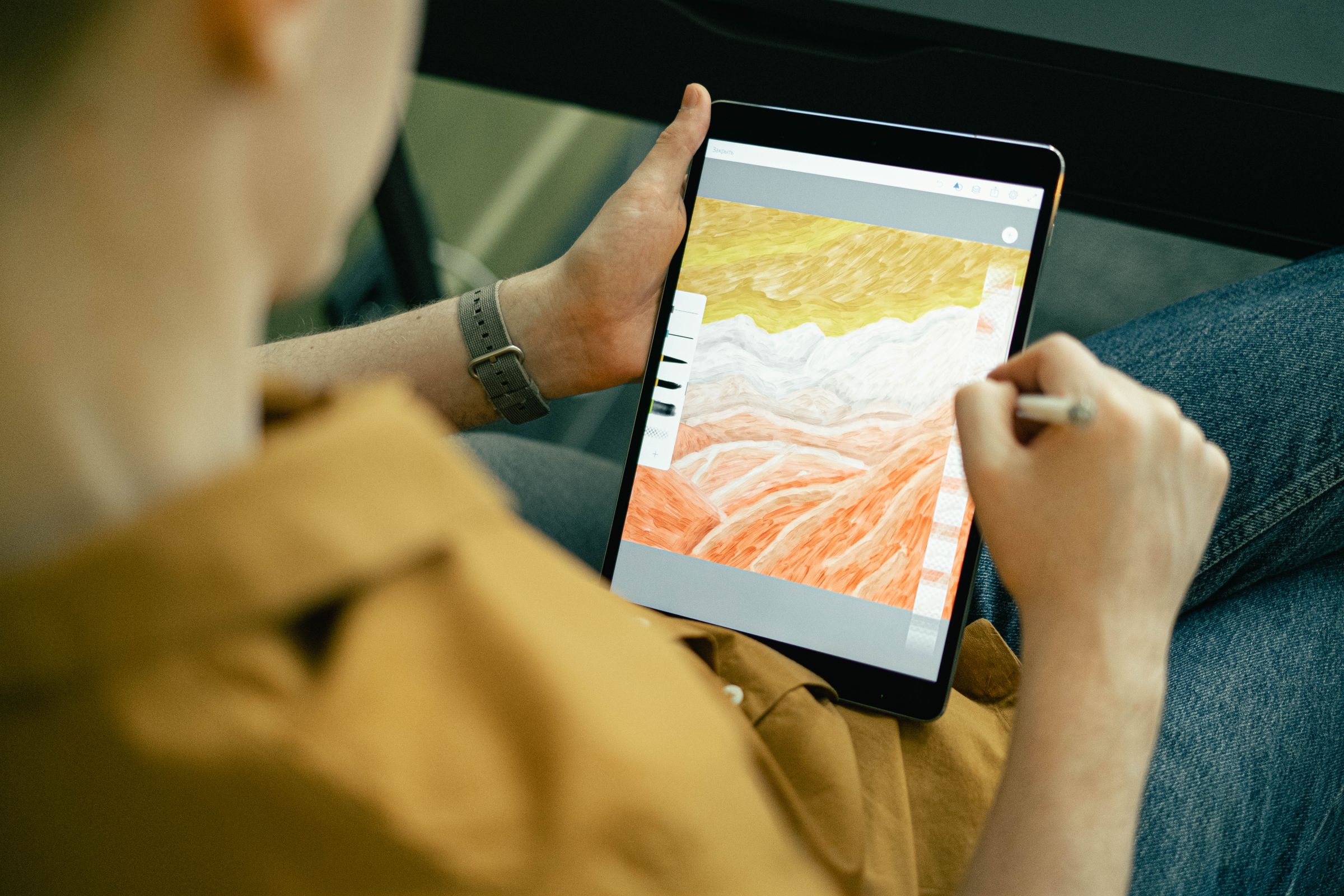
In recent years, many designers have begun exploring alternatives to traditional industry tools like Adobe Illustrator and Adobe Photoshop.
**Why Many Designers Are Switching to Affinity Designer**
In recent years, many designers have begun exploring alternatives to traditional industry tools like Adobe Illustrator and Adobe Photoshop. One of the most popular alternatives gaining attention is Affinity Designer, originally developed by Serif (Europe) Ltd and later integrated into the Affinity platform after its acquisition by Canva.
Affinity Designer has grown rapidly in popularity thanks to its performance, modern workflow, and — more recently — its free access model.
But what exactly is driving designers to switch?
**1. Free Professional Design Software**
One of the biggest reasons designers are trying Affinity today is simple: it’s free.
The new Affinity platform now provides professional creative tools at no cost, making advanced design software accessible to anyone.
This dramatically lowers the barrier to entry for:
- Freelancers
- Students
- Independent creators
- Small businesses
- Hobbyist designers
For many people, it removes the financial pressure associated with expensive creative tools.
**2. A Strong Alternative to Adobe Subscriptions**
Many designers began searching for alternatives after Adobe Creative Cloud introduced mandatory subscription pricing.
Adobe tools like Illustrator and Photoshop require ongoing monthly payments.
Affinity offers a different approach:
- Core professional tools available for free
- No mandatory subscription
- Optional premium features through Canva’s ecosystem
For designers who dislike subscription software, this model is extremely appealing.
**3. Powerful Vector Design Tools**
Despite being free, Affinity Designer still includes professional-level vector tools similar to those found in Illustrator.
Designers can create:
- Logos
- Icons
- Branding systems
- Illustrations
- Web graphics
- Marketing materials
The software supports major file formats including:
- SVG
- PSD
- AI imports
This compatibility makes it easier to work across multiple platforms.
**4. Vector, Photo, and Layout Tools in One Platform**
Originally, Affinity offered three separate apps:
- Affinity Designer – vector design
- Affinity Photo – photo editing
- Affinity Publisher – page layout
The new Affinity platform integrates these tools together into a unified design environment.
This allows users to move seamlessly between:
- Vector illustration
- Photo editing
- Layout design
without constantly switching between programs.
**5. High Performance**
Affinity software is known for being extremely fast.
Many designers report strong performance when working with:
- Large vector illustrations
- Complex documents
- High-resolution images
Because the software was developed more recently than many legacy design tools, it benefits from modern optimization for current hardware.
**6. A Growing Community**
The Affinity community has grown significantly over the past few years.
More designers are creating:
- Tutorials
- Templates
- Courses
- Brushes and assets
As the user base expands, it becomes easier for beginners to learn the software and adopt it into their workflows.
**Who Affinity Designer Is Best For**
Affinity Designer is particularly well suited for:
- Freelance designers
- Independent creators
- Students learning design
- Small businesses creating marketing materials
- Designers looking for alternatives to Adobe software
However, some large agencies still rely heavily on Adobe Illustrator because it remains the industry standard for collaborative workflows.
**Final Thoughts**
Affinity Designer has evolved from an affordable Adobe alternative into something even more disruptive: professional design software that is free to use.
By combining powerful vector tools, strong performance, and accessible pricing, Affinity has become one of the most attractive options for modern designers.
As the creative software landscape continues to evolve, tools like Affinity Designer are giving designers more freedom, flexibility, and choice than ever before.