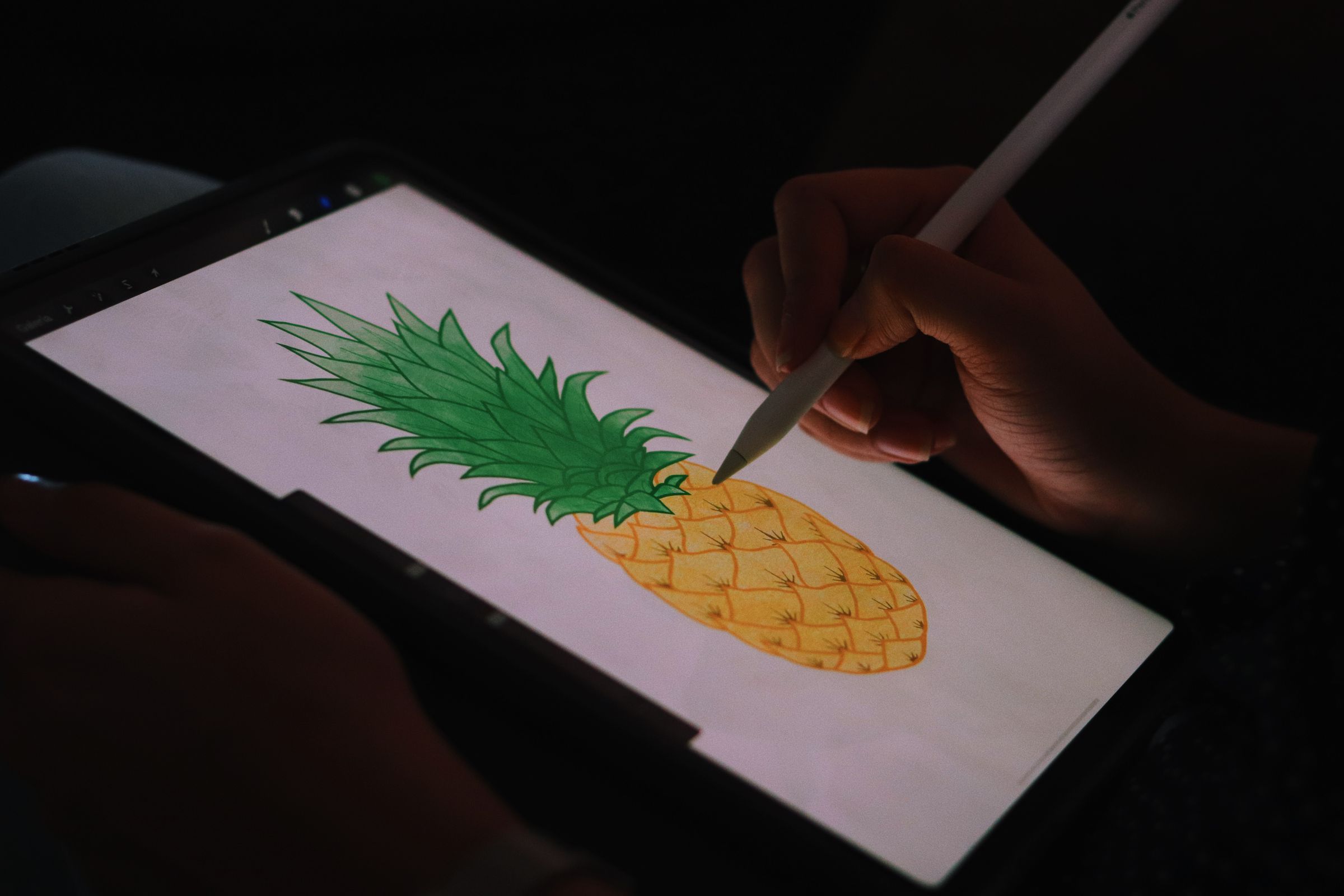
Affinity Designer is a vector graphic design program, meaning it creates artwork using mathematical paths instead of pixels. This allows designs to scale to any size without losing quality.
What Is Affinity Designer? Features, Pros, Cons, and Who It’s For
Introduction
If you work in graphic design, you’ve probably heard of Affinity Designer. Created by Serif (Europe) Ltd, it’s a professional vector graphic design application often seen as a modern alternative to Adobe Illustrator.
Unlike Adobe’s subscription model, Affinity Designer uses a one-time purchase, which has made it very popular with freelancers, small businesses, and hobbyist designers.
But what exactly does it do, and is it the right design tool for you?
**What Affinity Designer Is Used For**
Affinity Designer is a vector graphic design program, meaning it creates artwork using mathematical paths instead of pixels. This allows designs to scale to any size without losing quality.
Common uses include:
- Logo design
- Icon creation
- Web and UI design
- Branding materials
- Illustrations
- Marketing graphics
- Print layouts
One of its standout features is that it allows users to switch between vector and raster design modes within the same project.
**Key Features of Affinity Designer**
**Vector Design Tools**
Like Illustrator, Affinity Designer provides tools for creating:
- Shapes
- Curves
- Paths
- Typography
- Complex illustrations
**Dual Workspace System**
Affinity Designer has two main workspaces called Personas:
- Designer Persona – for vector graphics
- Pixel Persona – for raster editing (similar to basic photo editing)
This makes it possible to add textures, shading, and paint effects without switching programs.
**Performance**
The software is optimized for modern hardware, meaning it can handle large files and complex designs smoothly.
**File Compatibility**
Affinity Designer supports several file formats including:
- SVG
- EPS
- PSD
- AI (limited compatibility)
**Advantages of Affinity Designer**
**One-Time Purchase**
Unlike Adobe products that require monthly subscriptions, Affinity Designer is purchased once and owned permanently.
**Affordable**
The software is significantly cheaper than Illustrator while still offering professional features.
**Fast Performance**
Affinity apps are known for smooth performance, even with large projects.
**Cross-Platform**
Affinity Designer works on:
- Windows
- macOS
- iPad
The iPad version is particularly powerful and widely praised by illustrators.
**No Creative Cloud Required**
Everything runs locally without needing cloud accounts or subscriptions.
**Disadvantages of Affinity Designer**
**Smaller Ecosystem**
Compared to Adobe, the community, plugins, and tutorials are smaller.
**Limited Compatibility with Illustrator Files**
Opening AI files can sometimes cause layout changes or missing elements.
**Fewer Integrations**
Adobe products work seamlessly with other tools in the Adobe Creative Cloud, while Affinity has fewer integrations.
**Less Industry Standard**
Many agencies and companies still expect designers to use Adobe Illustrator, which can affect collaboration.
**Missing Advanced Features**
Some Illustrator features are still more advanced, such as:
- Advanced mesh tools
- Certain automation tools
- Some advanced typography controls
**Who Affinity Designer Is Best For**
Affinity Designer is ideal for:
**Freelance Designers**
Freelancers who want professional tools without paying monthly fees.
**Small Businesses**
Businesses creating their own marketing graphics or branding.
**Illustrators**
Especially those who work on the iPad.
**Students and Beginners**
The affordable price makes it accessible for learning graphic design.
**Designers Leaving Adobe**
Many professionals who dislike subscription pricing have switched to Affinity products.
**Who Might Prefer Adobe Illustrator**
Affinity Designer may not be the best choice if you:
- Work in large design agencies
- Collaborate heavily with Adobe users
- Rely on Adobe plugins or integrations
- Need very advanced vector tools
In these situations, **Adobe Illustrator is still the industry standard.
**Final Thoughts**
Affinity Designer has grown into one of the most powerful alternatives to Adobe Illustrator. Its combination of affordability, performance, and professional tools makes it an excellent option for freelancers, illustrators, and small businesses.
While it may not fully replace Illustrator in every professional environment, it provides more than enough power for most modern design workflows.